
Takedown DeskFree WordPress plugin by Swift Web Dev
Take It Down Act plugin for WordPress: removal requests handled in 48 hours
Takedown Desk is a free Take It Down Act plugin for WordPress. It gives your site the process the Act describes: a notice link, a request form, a 48-hour clock on every request, one-step removal of the item and its identical copies, and a dated record of every action. It can also take DMCA takedown notices.
Listed on WordPress.org. Free, GPLv2, no account needed. Read the docs
The law gives you 48 hours. WordPress gives you no process.
Since May 19, 2026, sites that mainly host what their users post have to remove an intimate image shared without consent within 48 hours of a valid request. A stock WordPress site has nowhere for that request to land.
A request that lands on Friday evening is due on Sunday evening
- 0 hFriday eveningRequest arrives
- 24 hSaturday eveningHalf the time is gone
- 48 hSunday eveningDeadline
With Takedown Desk, your moderators get an email the moment a request arrives, reminders at 24 and 40 hours, and an overdue alert if it is still open.
The clock runs from when your site receives a valid request, not from when someone reads it. Weekends count.
Out of the box, WordPress has
- A plain-language notice of how to ask for removalNone
- A request form with the four required partsNone
- A 48-hour clock with remindersNone
- A dated record of each request and decisionNone
- Removal of every copy. Deleting a post leaves its images, and the smaller sizes WordPress makes of every upload, in the media library.Partial
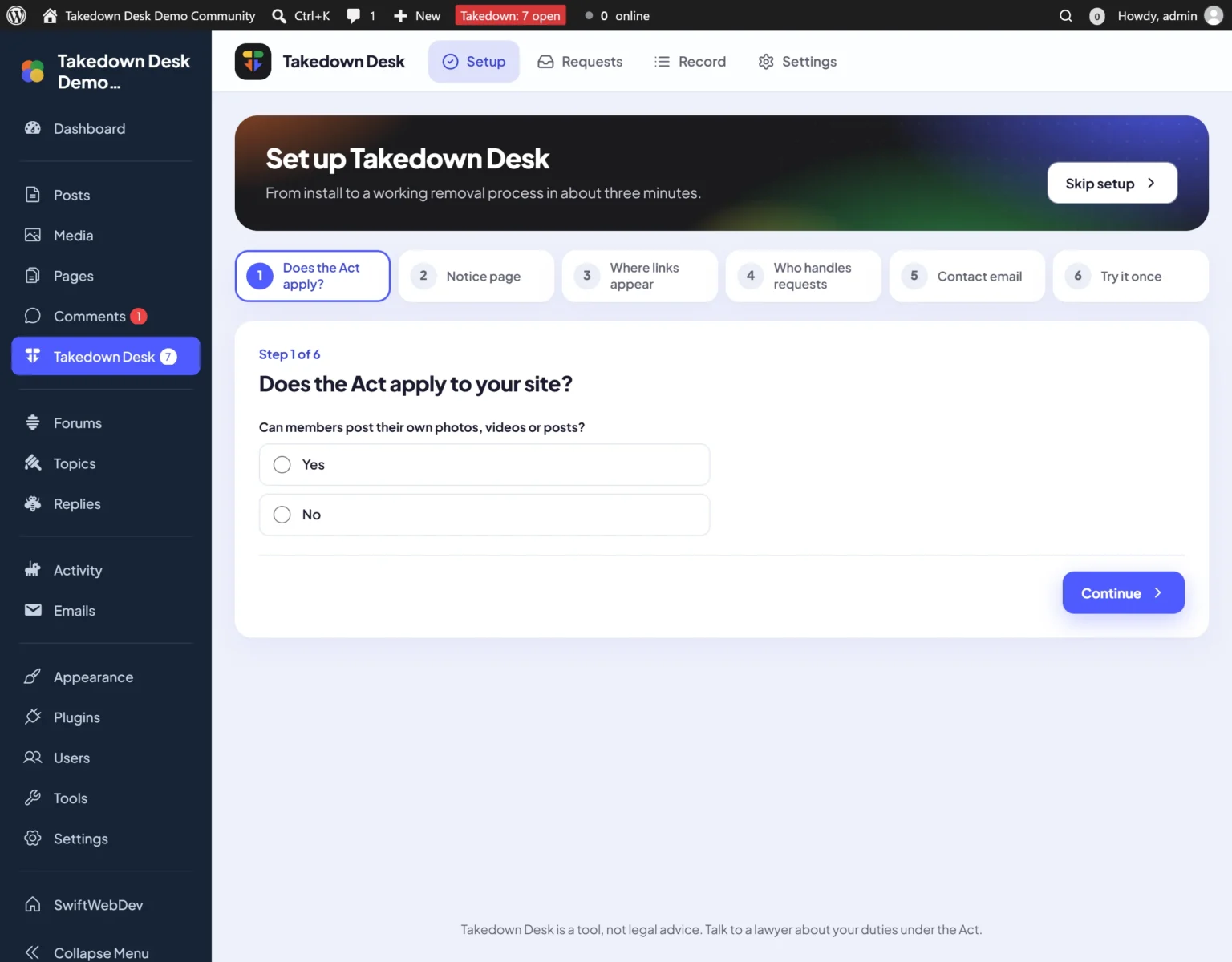
Does the Act apply to your site?
Answer four questions for a first read. The check runs in your browser and sends nothing anywhere.
The checker needs JavaScript. In short: forums, communities and sites built around member photos or videos are likely covered. A site that mostly publishes its own content, where comments are a small extra, is generally outside the Act.
Your first read
Waiting for your answers
Answer the questions to see whether the Act likely applies to your site.
How a request moves through the desk
Five steps from the first click to a closed case.
- 1
Notice
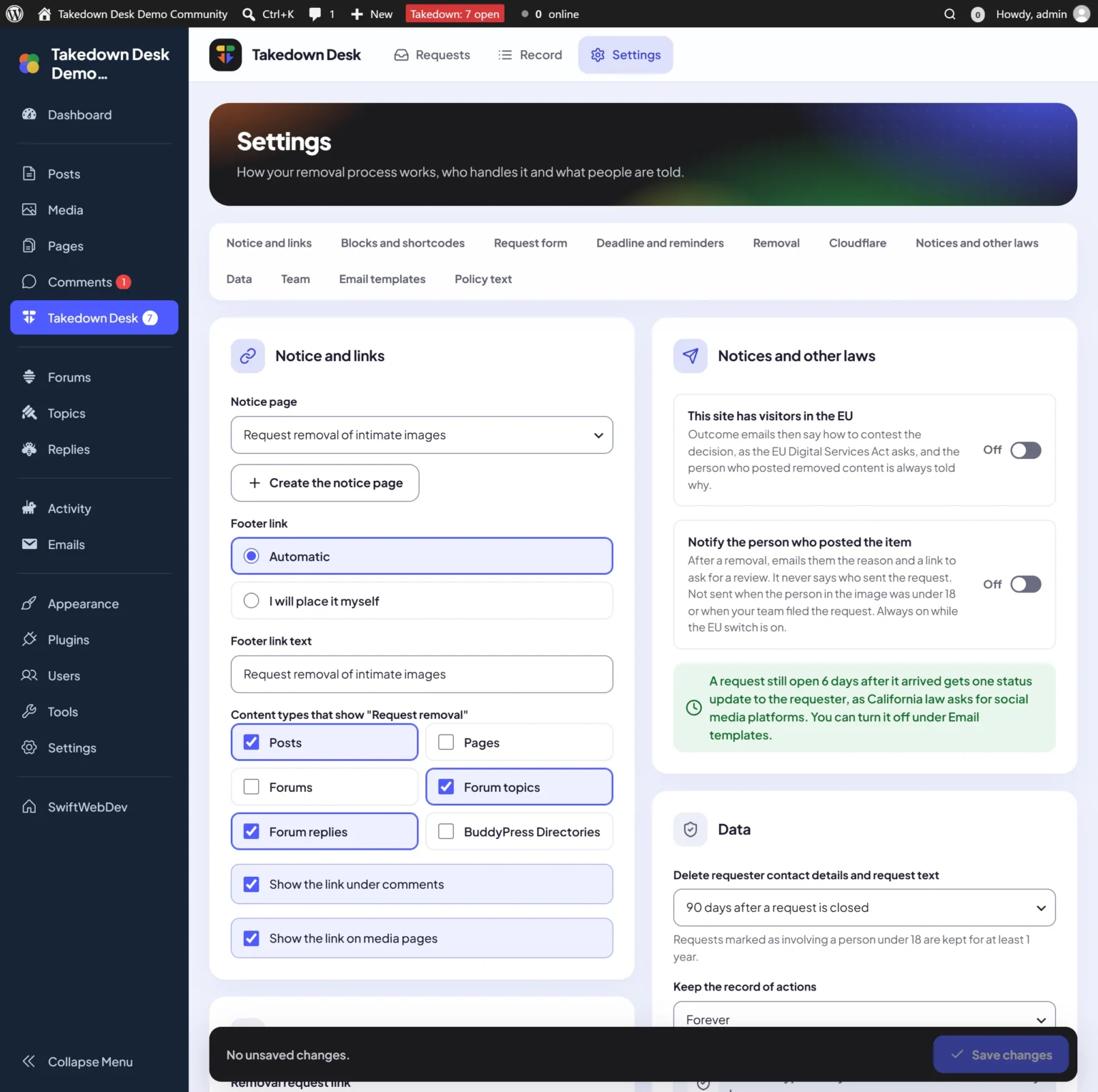
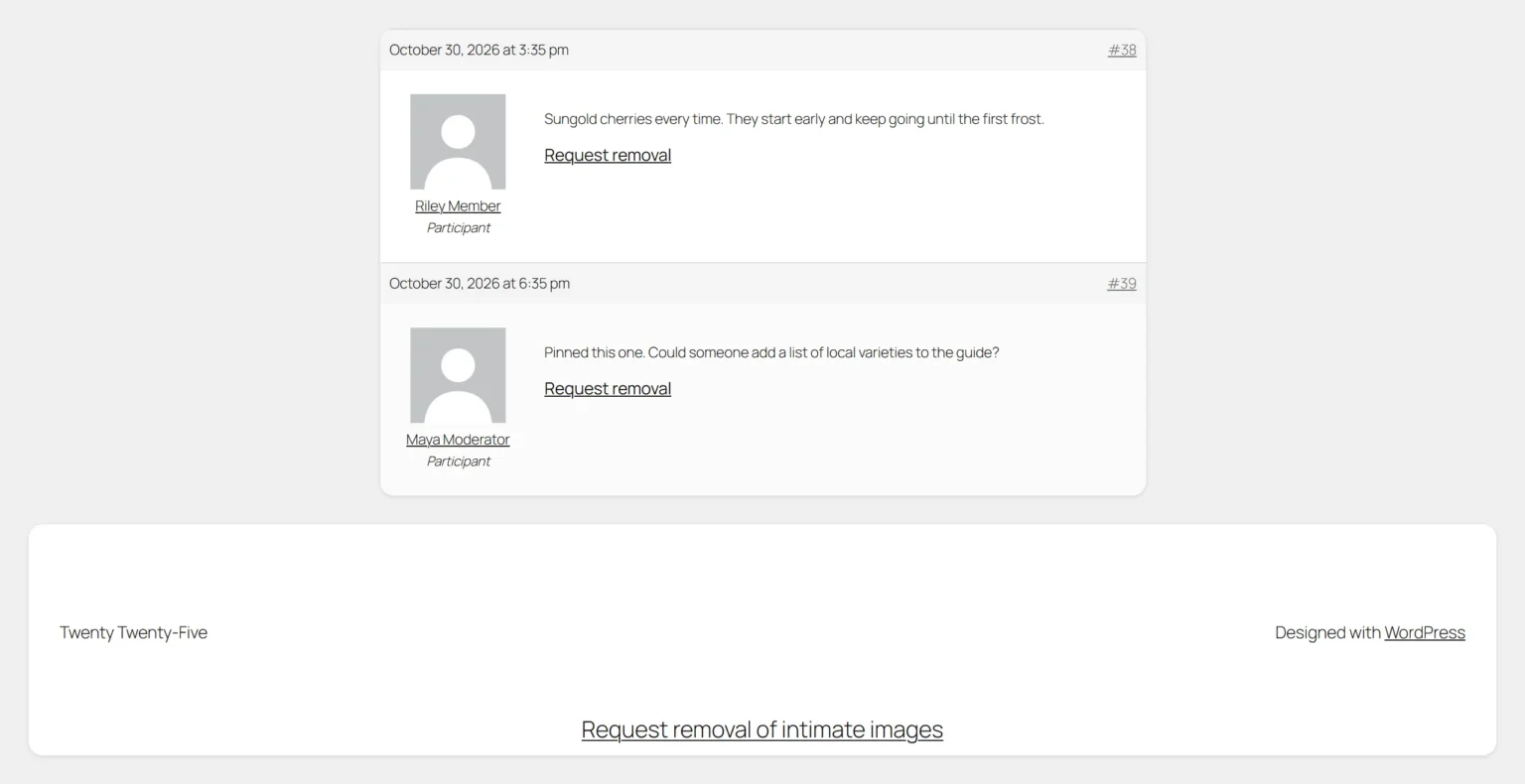
A "Request removal of intimate images" link in your footer, plus links under posts, comments, media pages and bbPress replies where you choose. All lead to your notice page.
Visitors - 2
Request
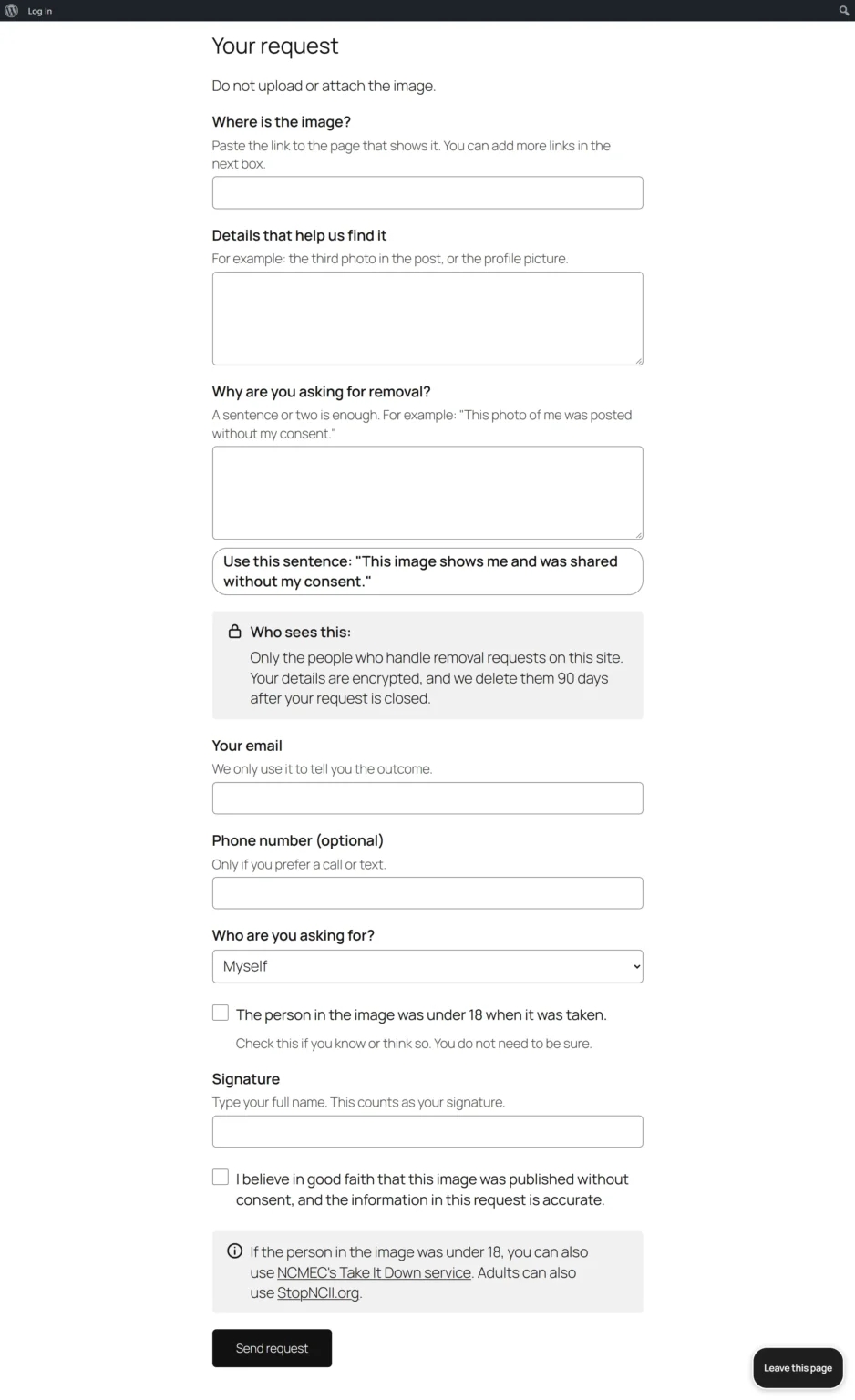
A short form with the four parts the Act requires. No account is needed and it never asks for the image. The person gets a request ID and a private status link right away.
The person asking - 3
Review
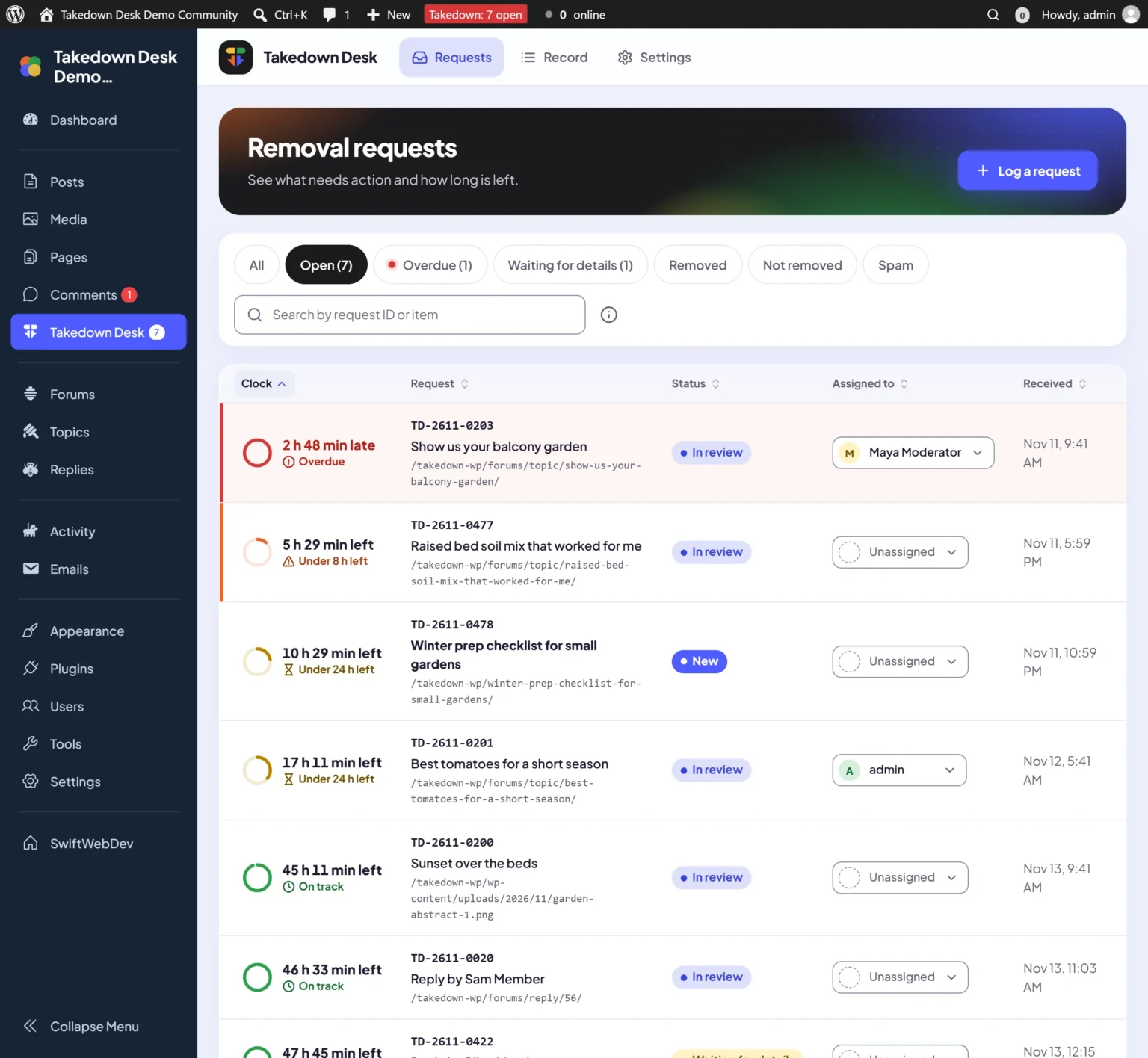
The request lands in your inbox with a live 48-hour clock. Moderators get an email on arrival, reminders at 24 and 40 hours, and an overdue alert if it is still open.
Your team - 4
Remove
One action takes the item and its identical copies offline, or deletes them. Image files move to a protected folder and the page cache is cleared.
Your team - 5
Close
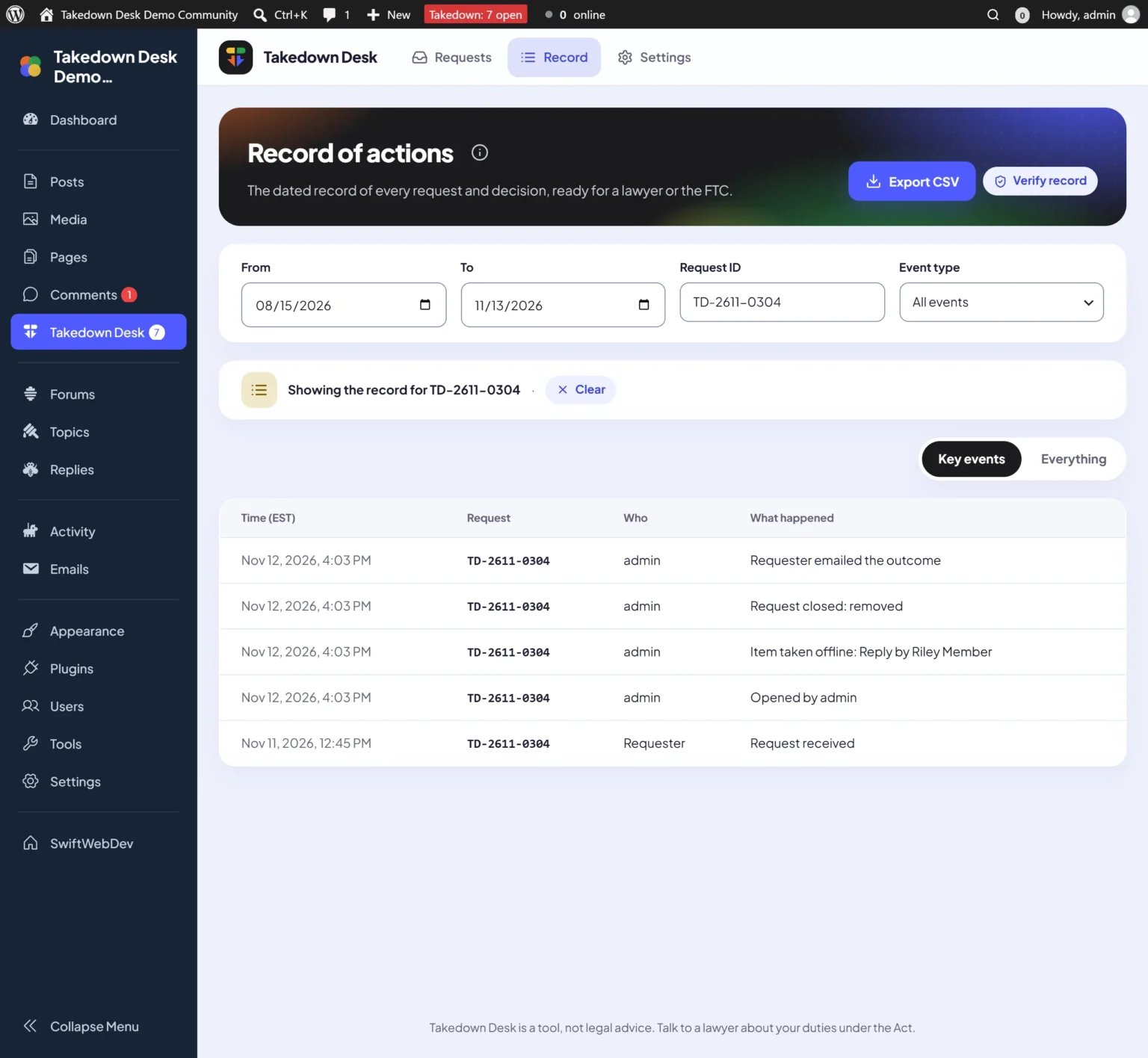
The person gets an email with the outcome. Every step is written to a dated, tamper-evident log that you can export as CSV.
Takedown Desk
Forum moderation
For bbPress forums and community sites
Forums and community sites are the sites the Take It Down Act is written for, because members post the content. Takedown Desk gives a bbPress forum a public way to report an intimate image and gives your moderators a clock to act on it.
A report link under every topic and reply
Turn on the "Request removal" link for bbPress topics and replies and it appears under each one. bbPress has no public report link of its own.
Anyone can report, no account needed
The person in the image may not be a member. They can send a request without signing up, and the form never asks them for the image.
Reports land in the moderators' inbox
Each report arrives with a 48-hour deadline clock. Moderators get an email right away, then reminders at 24 and 40 hours.
One action removes the post and its copies
Remove the reported topic or reply together with identical copies of the image elsewhere on your site. Topic and forum counts update on their own.
What it handles
Content moderation for one job: reports of intimate images shared without consent, from the report to the removal and the dated record.
What it does not do
It does not filter spam or hold new posts for approval. Keep your current tools for everyday moderation.
Other community plugins
BuddyPress, BuddyBoss, wpForo and others are covered by the Pro add-on. In the free plugin, their requests still arrive with the reported link.
See Takedown Desk ProNew in version 1.1: copyright notices
DMCA takedown notice form for WordPress
Takedown Desk also works as a DMCA WordPress plugin. Turn on "Accept copyright notices" in Settings and it adds a DMCA takedown notice form to your site for copyright complaints. It stays off until you turn it on.
- A "Copyright notices" page with the form
- A "Copyright notices" link in your footer
- A "Copyright notice form" block
- The shortcode
[takedown_desk_copyright_form]for Bricks, Elementor and other builders
The six parts the DMCA form asks for
17 U.S.C. 512(c)(3)(A)
- SignatureThe sender types their full name to sign the notice.
- The copyrighted workA description of the work, plus a link to the original if it is online.
- Where the material is on your siteThe link to the page that shows it, with details that help you find it.
- Contact detailsAn email address. A phone number and a mailing address are optional.
- A good-faith statementThe sender believes in good faith the use is not authorized by the owner, its agent or the law.
- Accuracy and authorityThe notice is accurate and, under penalty of perjury, the sender owns the copyright or may act for the owner.
Off until you turn it on
Enter the date you registered your designated agent with the US Copyright Office, and the status card warns you 60 days before the 3-year renewal.
Same inbox, its own badge
Copyright notices arrive next to your removal requests, with their own filter. Remove the material in one step, email the sender the outcome, tell the person who posted it if you choose, and keep every step in the dated record with CSV export.
A target time you choose
- FriArrives
- SatSkipped
- SunSkipped
- MonDay 1
- TueTarget
With the default of 2 business days, a notice that arrives on Friday afternoon is due on Tuesday afternoon.
Pick 1 to 10 business days. The DMCA asks you to act "expeditiously" and sets no hour count, so the target is yours to set. Weekends do not count, and moderators get reminders before the target.
Not in this version
- Counter-notices
- A restore timer
- Repeat-infringer tracking
Takedown Desk is a tool, not legal advice. To rely on the DMCA safe harbor, a site also needs a designated agent registered with the US Copyright Office and a repeat infringer policy.
Built from the text of the law
Each duty in the platform section of the Act, 47 U.S.C. § 223a, has a matching feature, and every one of them is in the free plugin.
Clear notice of the process
The "Request removal" link and the notice page.
The four parts of a valid request: a signature, where the image is, a good-faith statement and contact details
The four required parts of the form.
Removal within 48 hours
A clock on every request, reminders and an overdue alert.
Reasonable efforts to remove known identical copies
The exact-copy finder, which matches the same file across your media library, posts, featured images and comments.
Acting in good faith
A dated record of who did what and when, with CSV export.
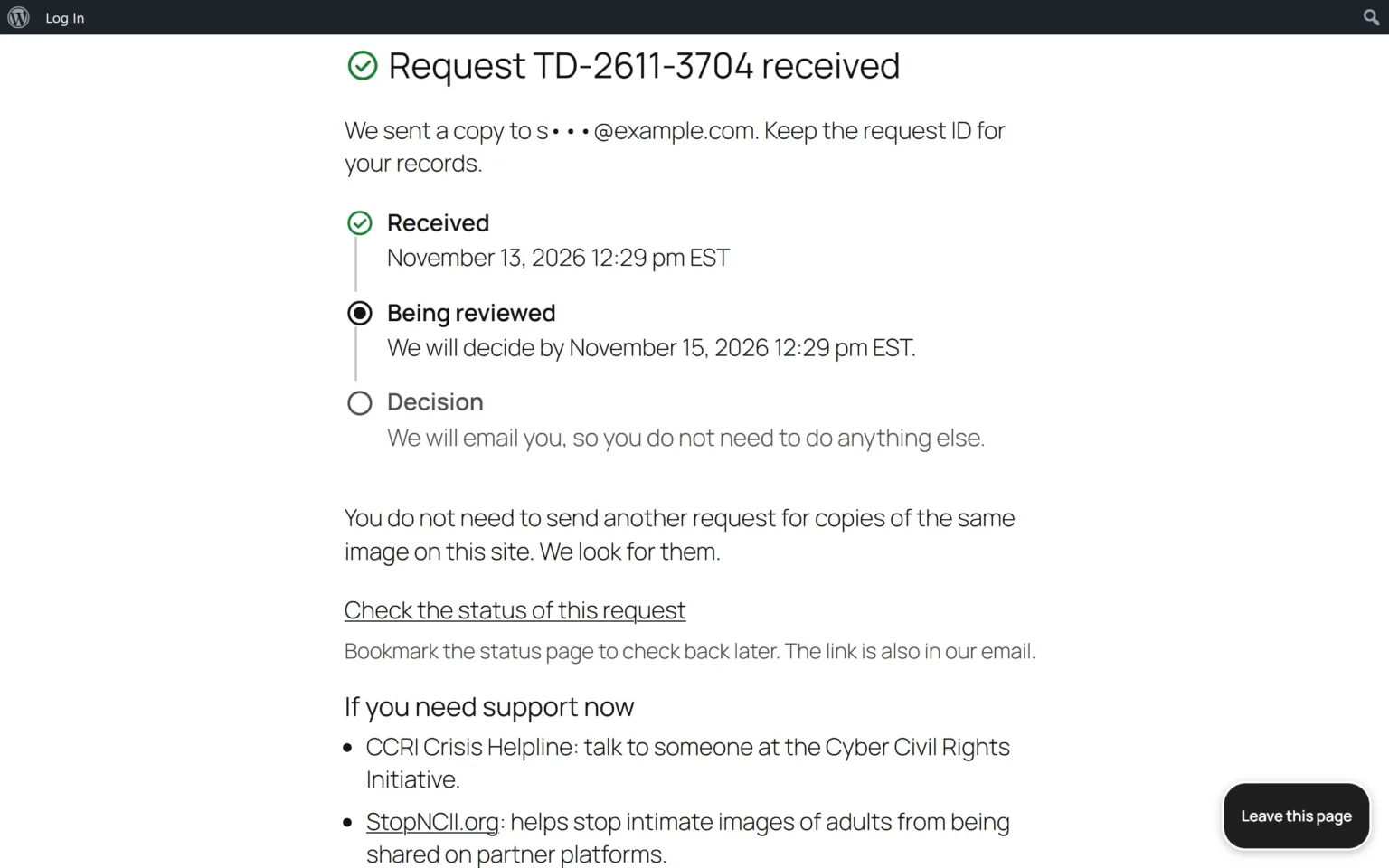
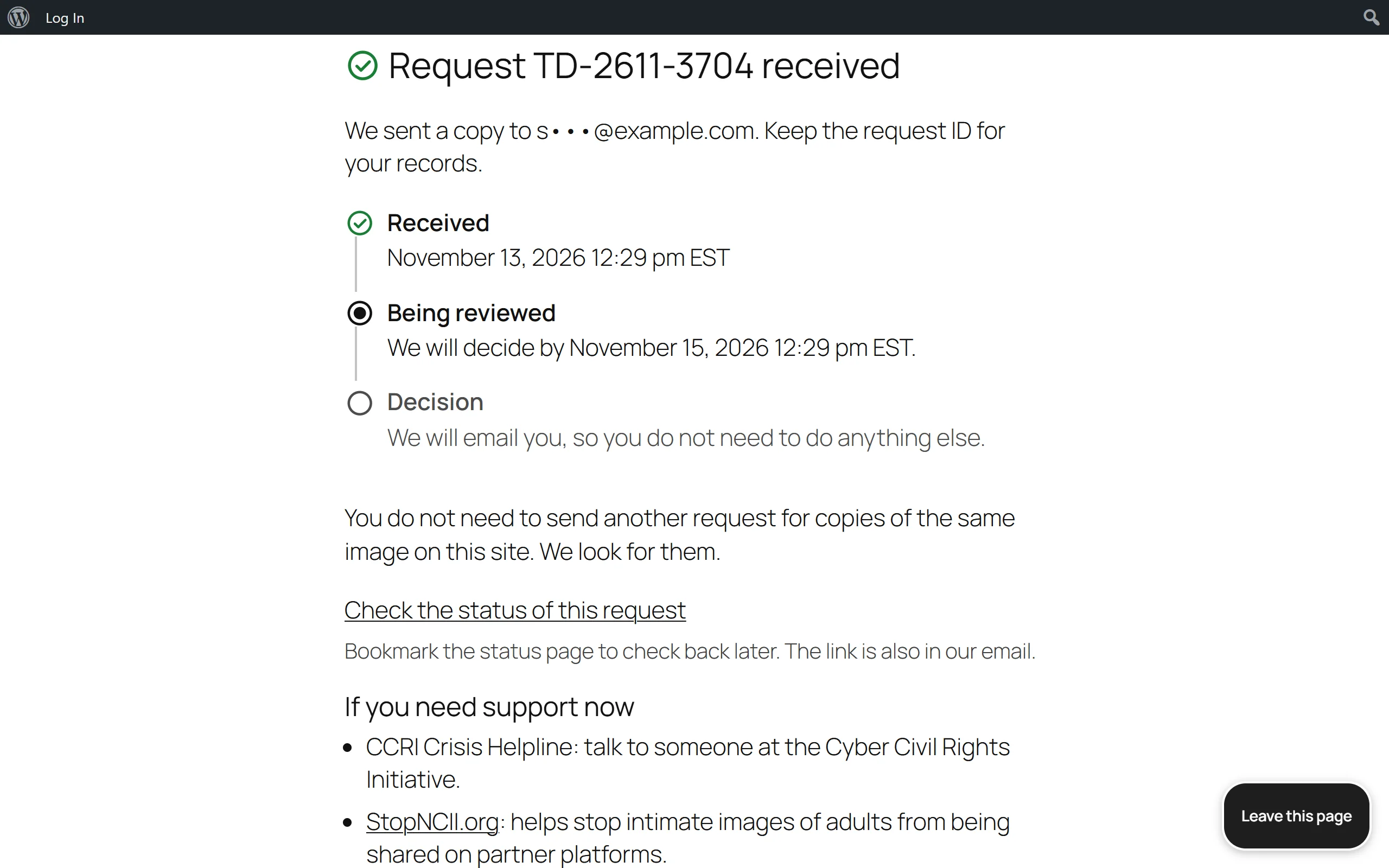
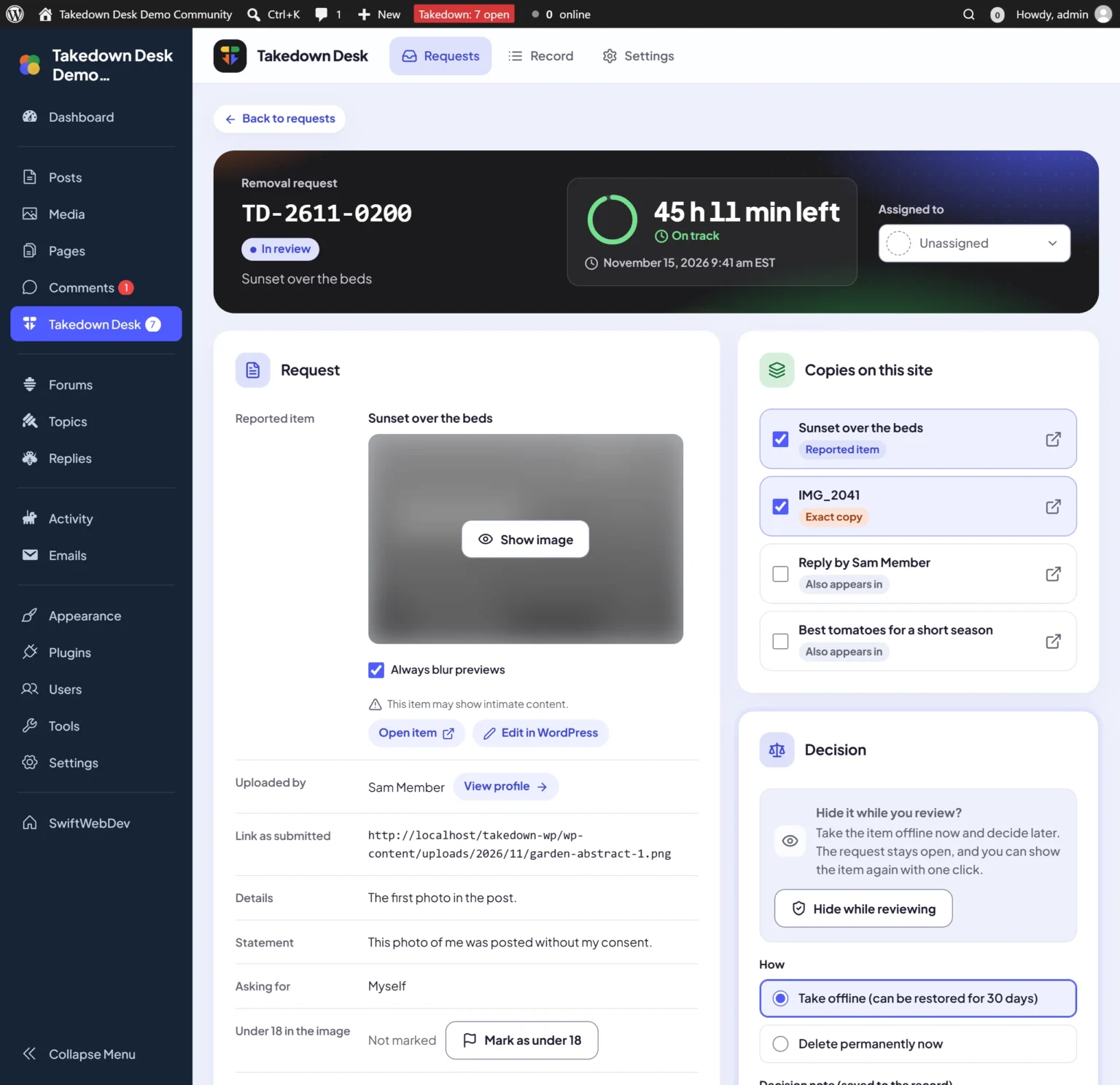
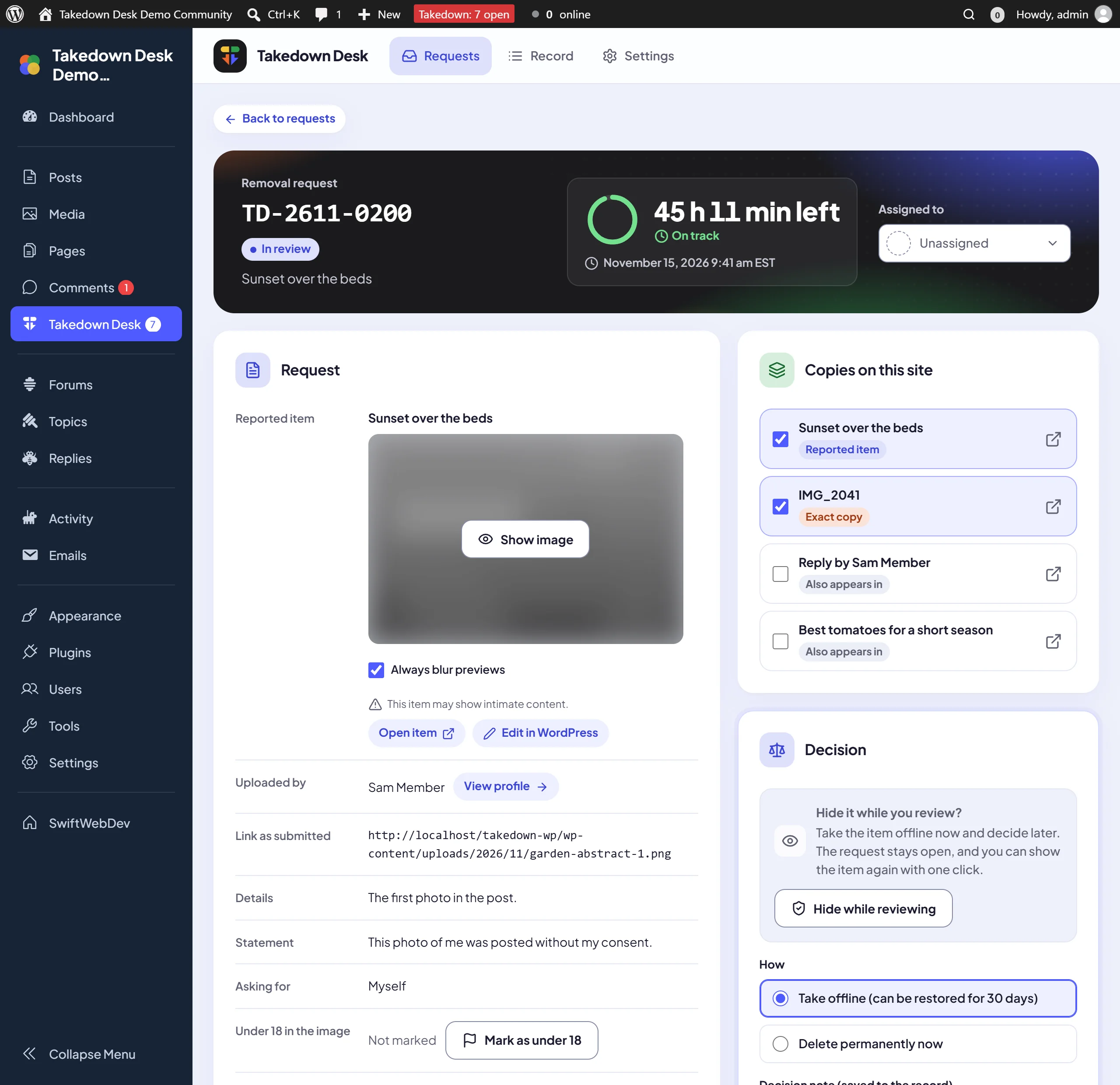
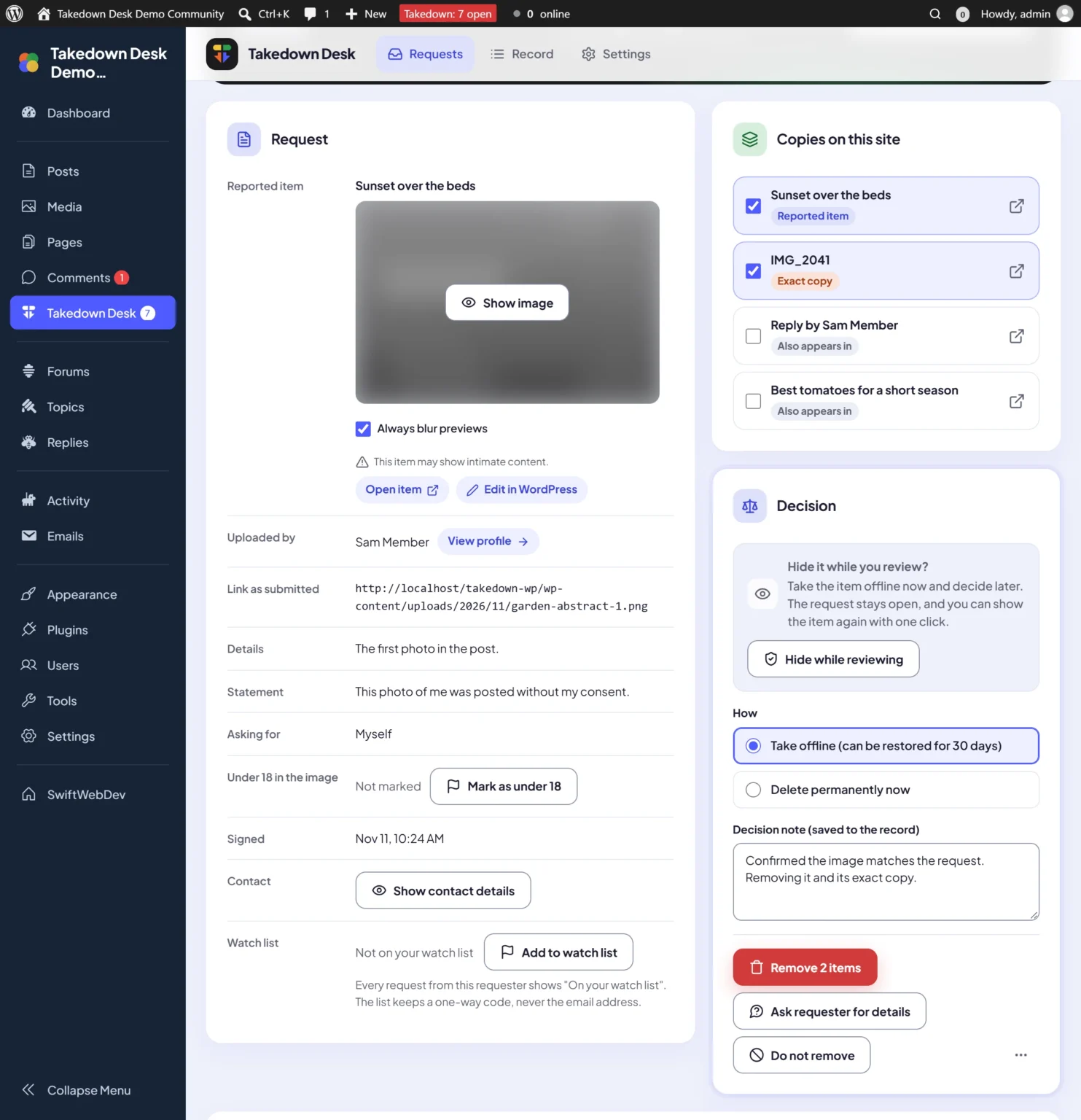
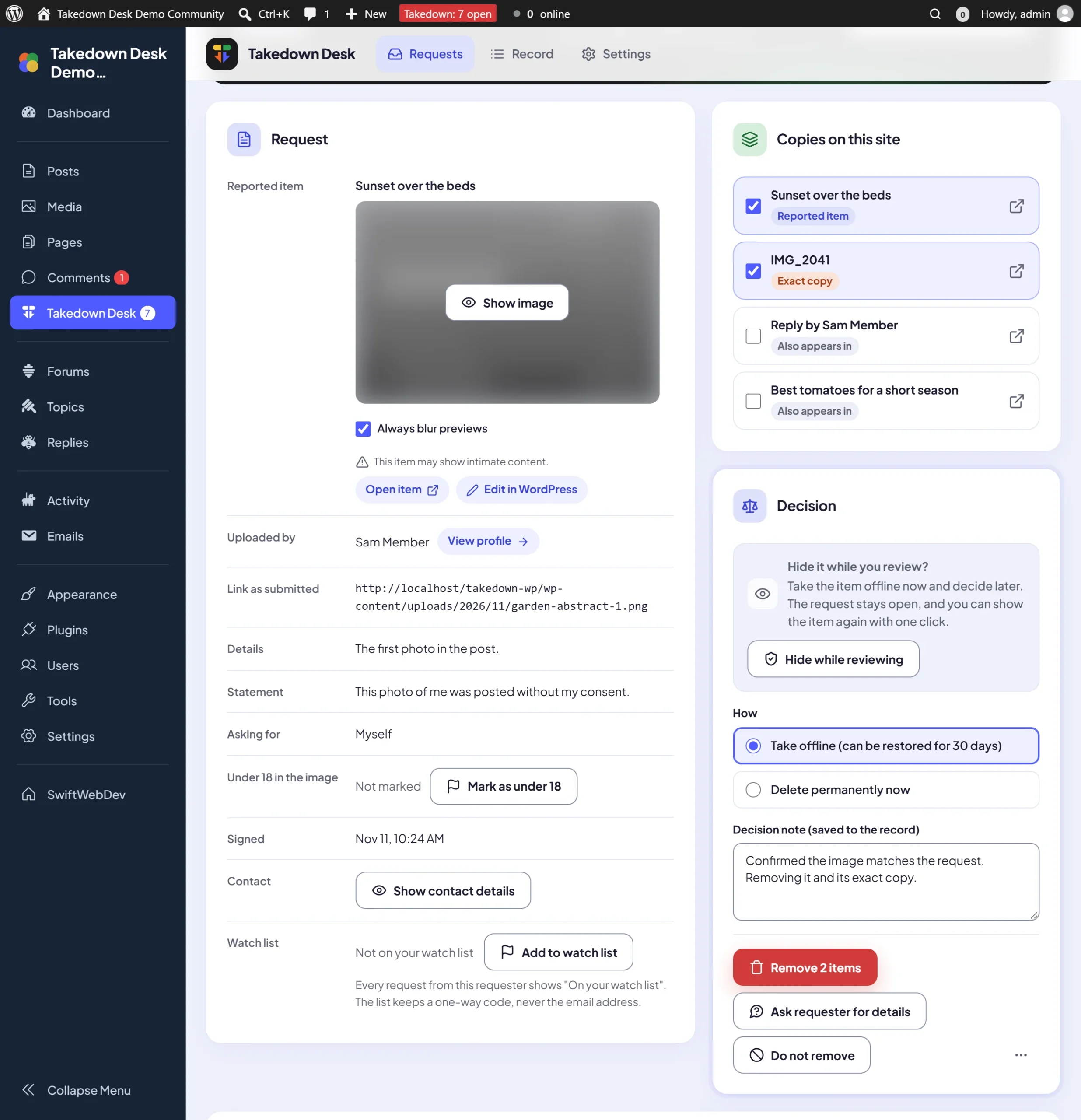
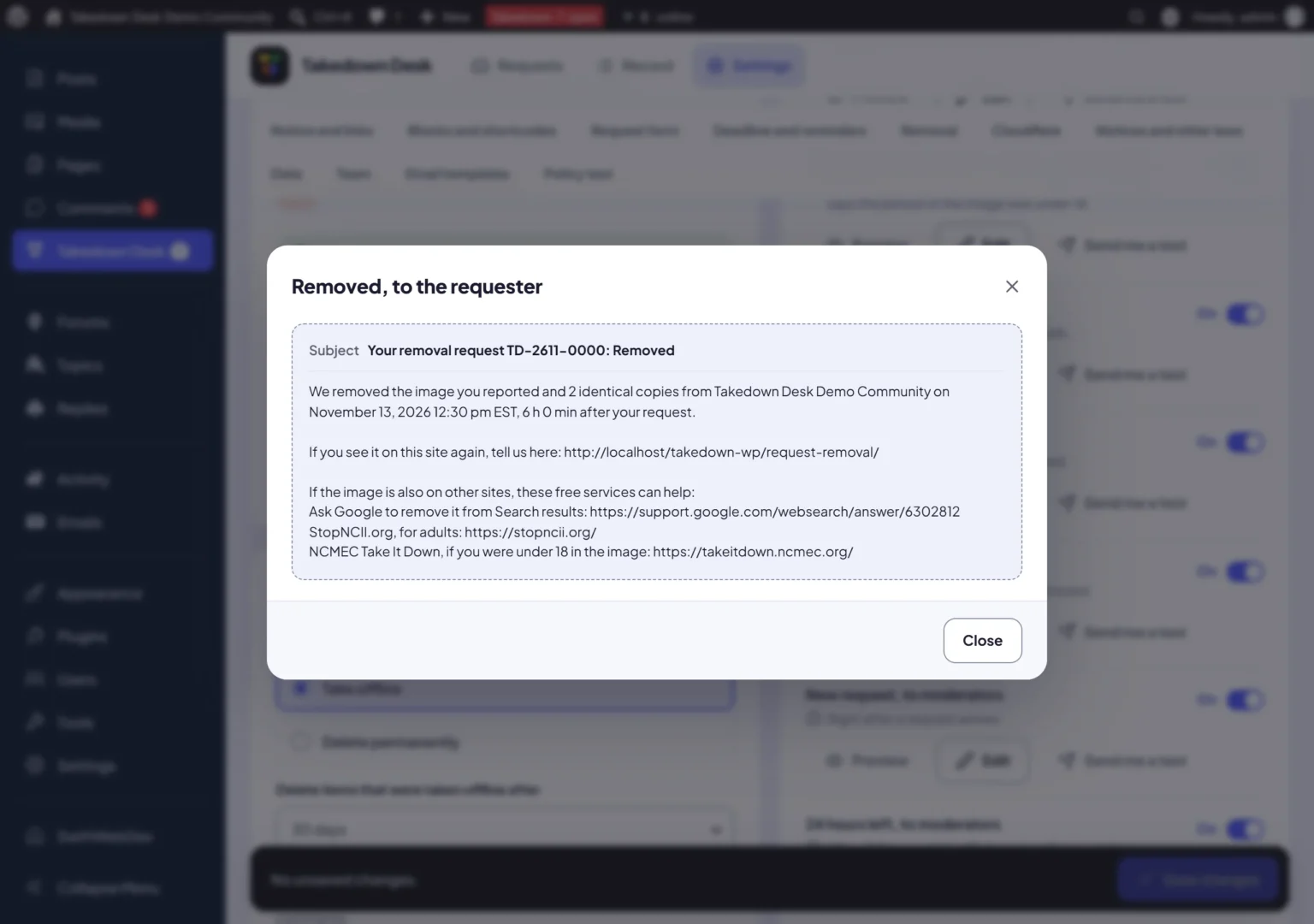
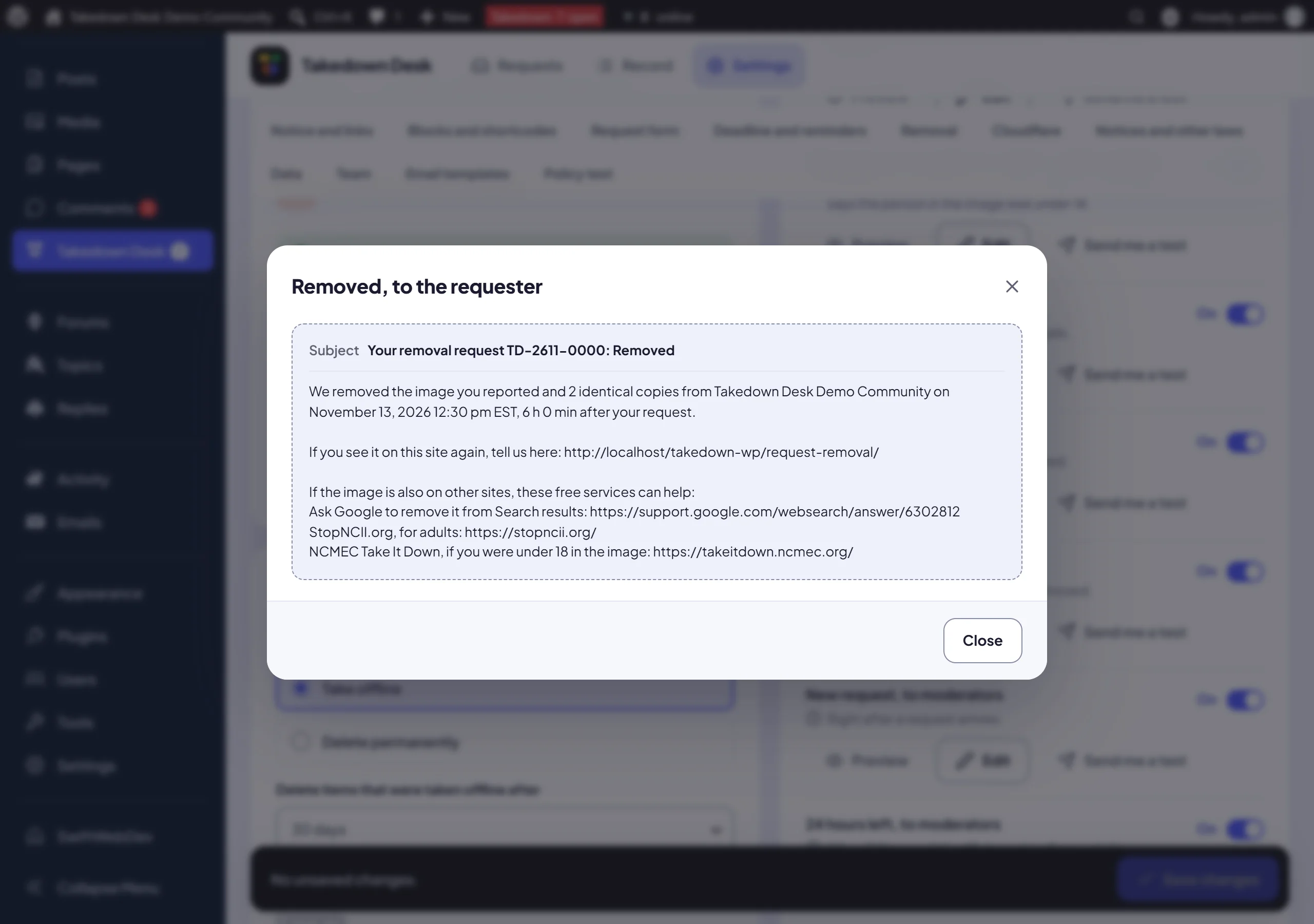
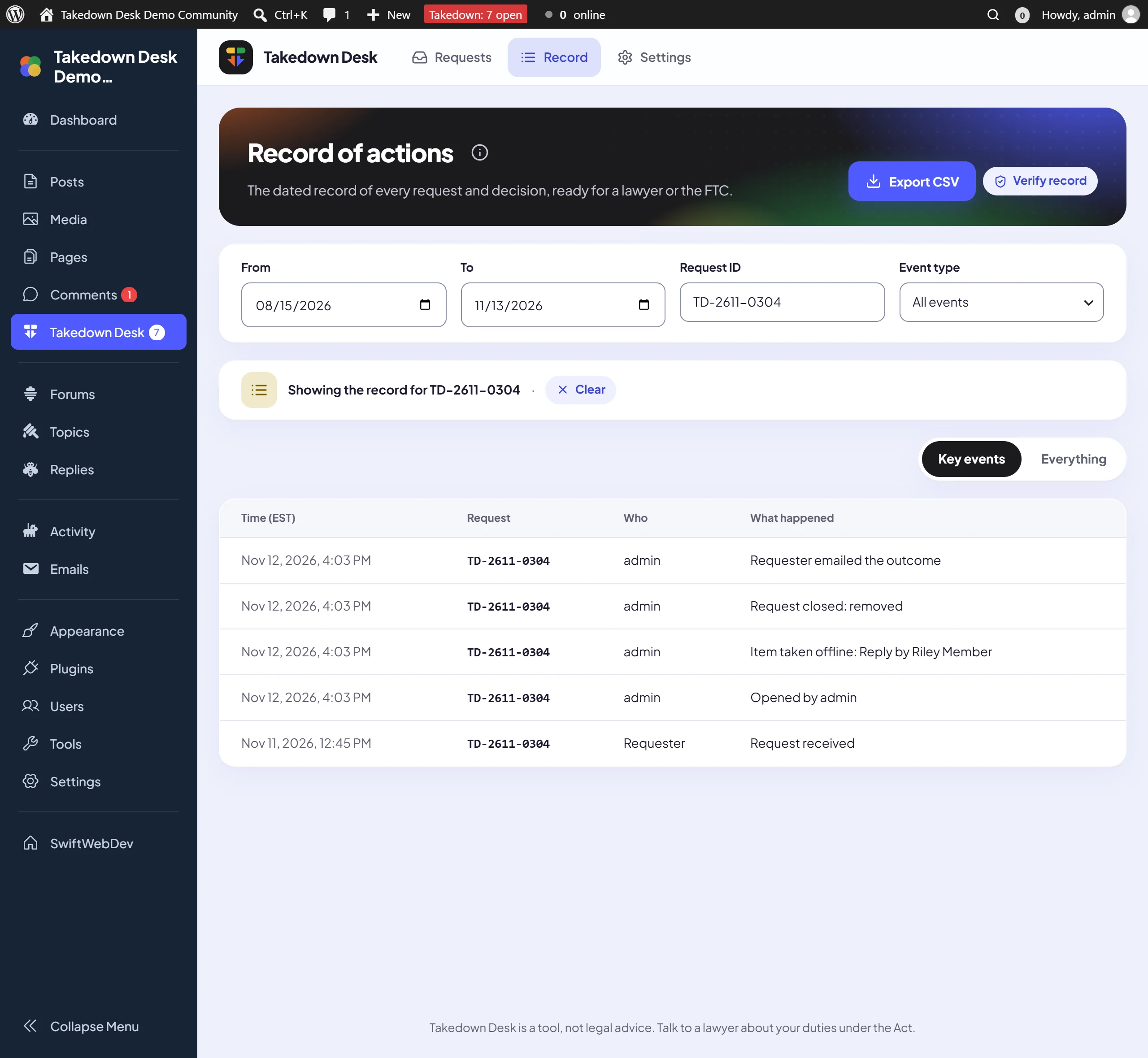
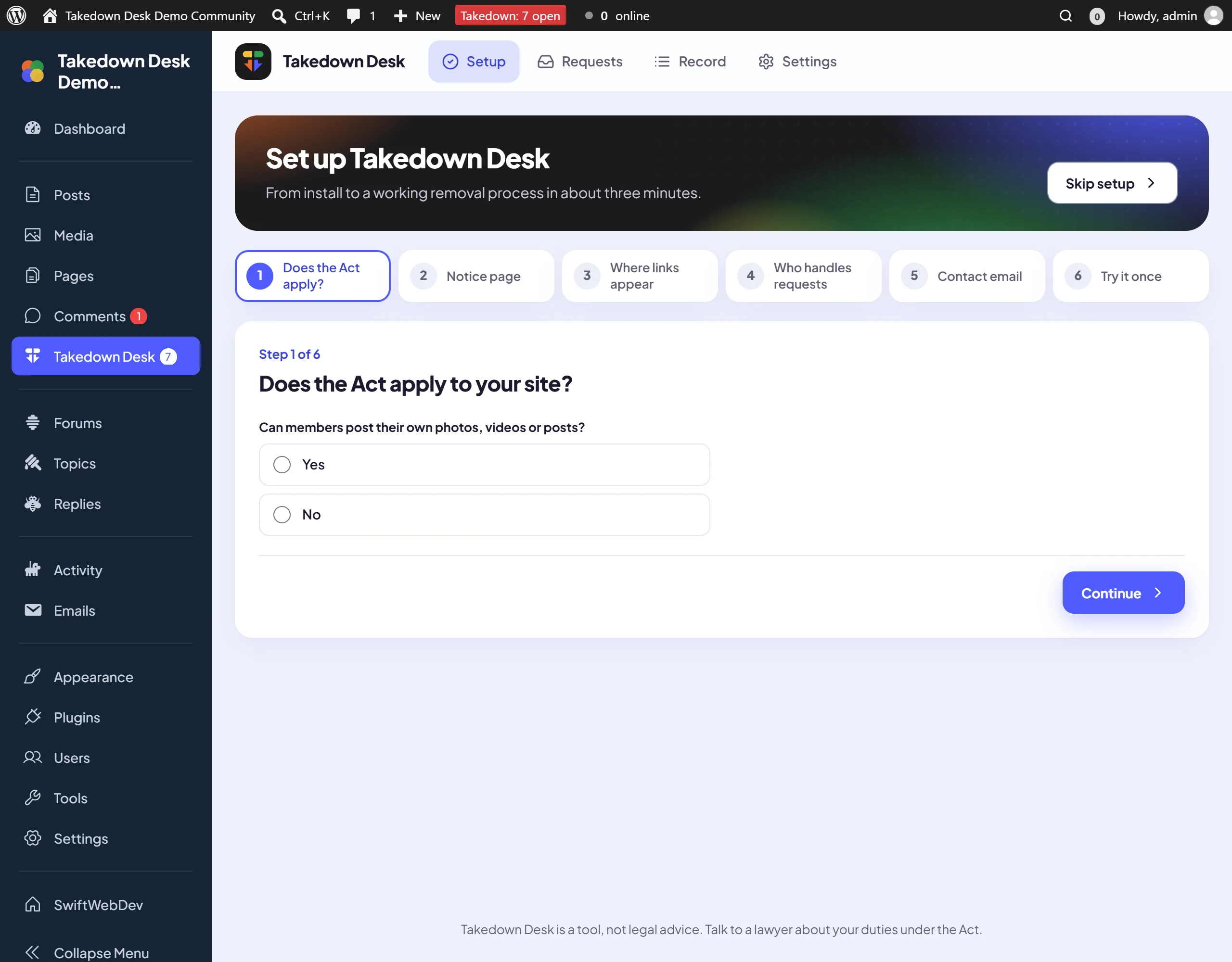
Real screens from the plugin
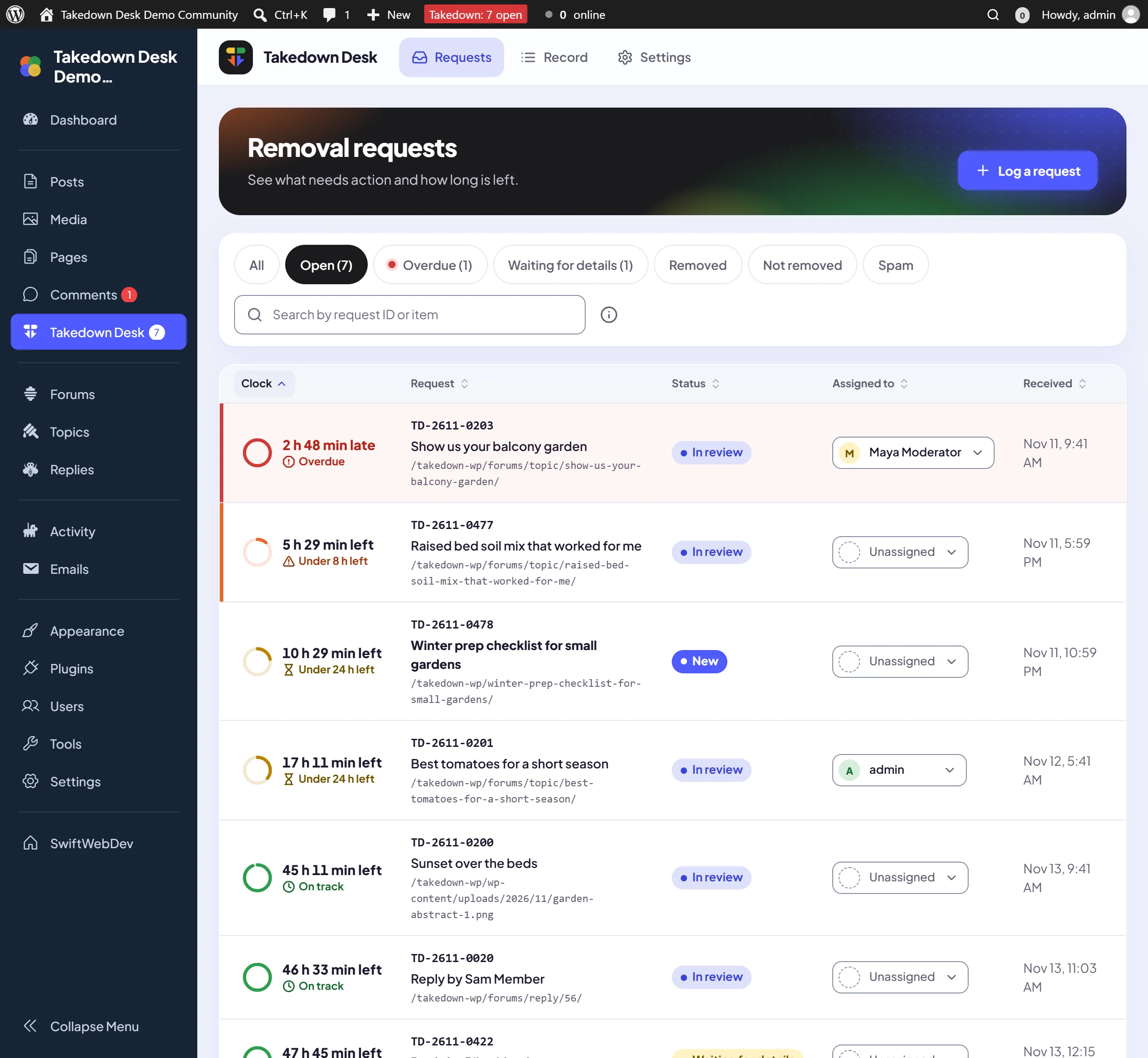
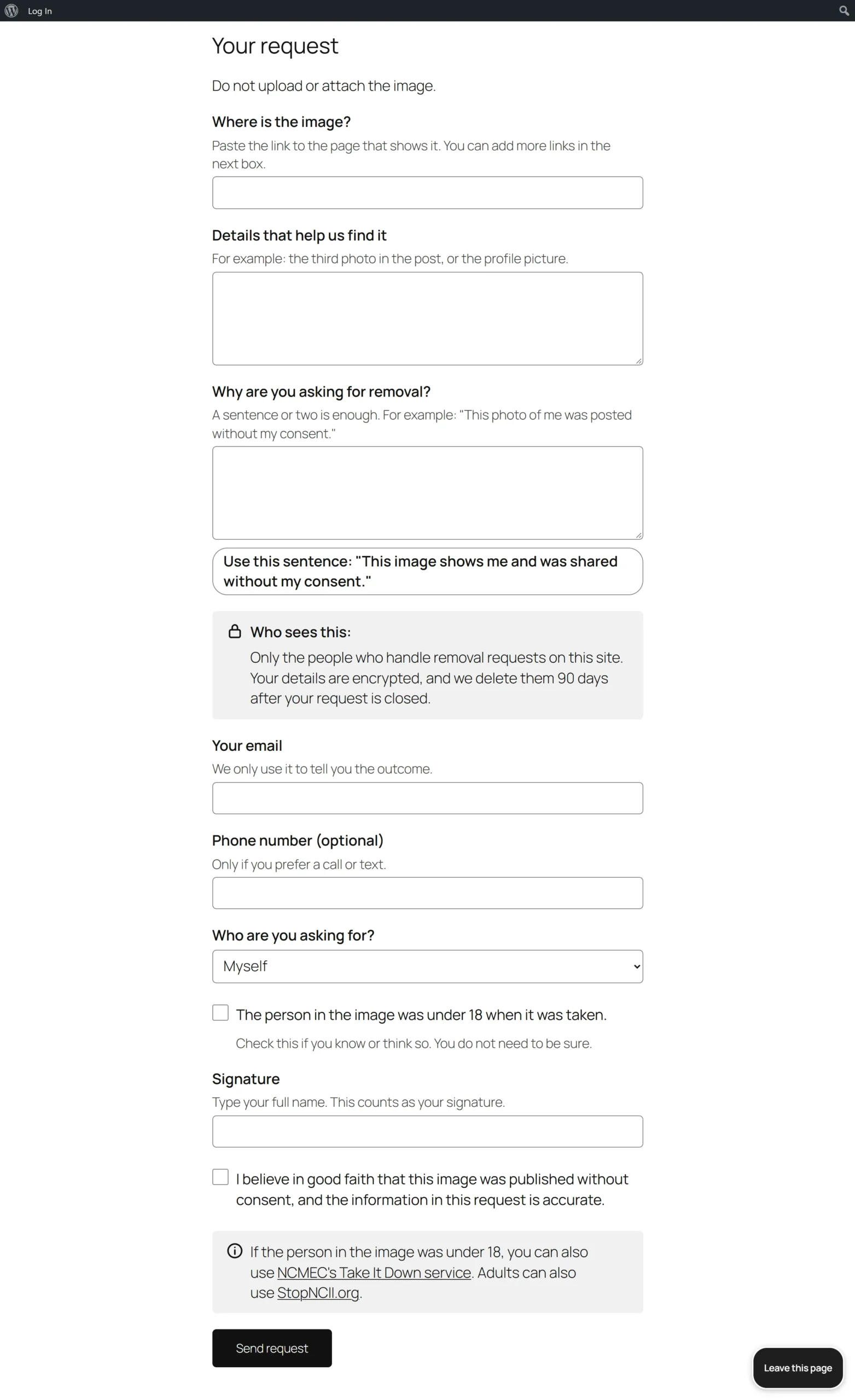
Taken on a demo community site with example requests. Pick a screen to see it larger.
Everything in the free plugin
The whole process the Act describes, free. No account with us, and no request data sent to us.
Receive
- A "Request removal" link in your footer, under posts, on media pages, under comments and under bbPress topics and replies.
- A notice page the setup creates for you, plus suggested text for your terms of service.
- A request form with the four parts the Act requires. No account, and it never asks for the image.
- Optional: a DMCA takedown notice form for copyright complaints, on its own "Copyright notices" page.
- A request ID and a private status link for the person, right away.
- An invisible spam check with no CAPTCHA, no third-party service and no cookies.
- A "Leave this page" button that goes straight to a weather search and clears the form.
Decide
- An inbox with a live 48-hour clock on every request.
- An email on arrival, reminders at 24 and 40 hours, and an overdue alert.
- Ask the person for more details through their private status link.
- Amber signals for the same item reported again and again, one requester reporting many items, and your watch list. Advice only.
- Optional: hide reported items as soon as a request arrives.
- A "Takedown moderator" role, so a second person can cover weekends.
Remove and record
- One action takes the item and its identical copies offline, or deletes them.
- Items taken offline can be restored for 7, 30 or 90 days.
- The page cache is cleared for common caching plugins, and for Cloudflare once you add an API token.
- A new upload that is an exact copy of a removed image is refused.
- Outcome emails you can edit, and an optional notice to the person who posted the item.
- A dated, tamper-evident log with CSV export, and an optional public summary block.
What it never does
Requests are sensitive. These limits are built in, not settings.
It never asks for the image
It never asks for, accepts or stores an image upload. A person should not have to send the image again, and your site should not collect it.
No request data leaves your site
It never sends request data to us or to any outside service, and there is no tracking. The details of each request are encrypted in your own database.
It does not promise a legal outcome
It gives you the process. How you run it, for example how quickly your team acts, is up to you. Talk to a lawyer about your duties under the Act.
Works with what your site already runs
No new theme, no page builder lock-in. The form and the link go wherever your content lives.
Content it can remove
- Posts and pages
- Any public post type
- Media library
- Comments
- bbPress topics
- bbPress replies
BuddyPress, BuddyBoss and wpForo: requests still arrive with the reported link, and you remove the item in that plugin.
Ways to place the form and link
- Block editor
- Shortcodes
- Bricks
- Elementor
- Any builder that runs shortcodes
Four blocks: "Removal request form", "Copyright notice form", "Removal request link" and "Takedown Desk summary". Shortcodes: [takedown_desk_form], [takedown_desk_copyright_form], [takedown_desk_link] and [takedown_desk_summary].
Caches it clears after a removal
- WP Rocket
- LiteSpeed Cache
- W3 Total Cache
- WP Super Cache
- SiteGround Optimizer
- WP Fastest Cache
- Cache Enabler
- Breeze
- Nginx Helper
- Cloudflare
Cloudflare purging starts once you add a zone ID and an API token in Settings.
Free and Pro
The free plugin covers the whole process. Pro is an add-on for larger sites and teams, and it needs the free plugin.
Takedown Desk
Free
- Notice link and notice page
- Request form with the four required parts
- 48-hour clock, reminders and overdue alert
- Removal of the item and its exact copies
- Outcome emails and the dated record with CSV
- Optional DMCA takedown notice form
 Takedown Desk Pro
Everything in Free, plus
- Altered-copy matching: resized, recompressed, mirrored or lightly cropped copies
- BuddyPress, BuddyBoss, PeepSo, wpForo, Ultimate Member, Better Messages and WooCommerce reviews
- Warn, suspend or ban the account that posted it
- Slack and text message alerts with an on-call rota
- Evidence packet per request, monthly reports and agency tools
Questions site owners ask
Short answers here. The Takedown Desk docs cover every screen and setting.
What is the Take It Down Act and when did it take effect?
A United States federal law signed on May 19, 2025. It makes it a crime to publish intimate images of a person without consent, including AI-generated fakes. Sites that host user content had one year to set up a notice and removal process, so that part applies from May 19, 2026.
Does the Take It Down Act apply to my WordPress site?
It applies to a “covered platform”: a public website, online service or app that mainly provides a forum for user-generated content such as messages, images, videos or audio. Sites that mostly publish their own content, where comments or chat are incidental, are generally excluded. The setup step in Takedown Desk walks you through these questions. If you are unsure, ask a lawyer.
Does it apply to a blog with comments?
Usually not, when the comments are a small extra to your own posts. It can apply when visitors can post images or videos, or when the community is the main purpose of the site. Many owners add the process either way.
What must a removal request include?
Four things: a physical or electronic signature, enough information to find the image, a short statement that the person believes in good faith that the image was shared without consent, and contact information. The form asks for exactly these four parts.
How fast do I have to remove content after a request?
As soon as possible and no later than 48 hours after you receive a valid request. Takedown Desk starts the clock when the request arrives and shows the deadline in your time zone.
What happens if nobody on my team sees the request in time?
Moderators get an email when the request arrives and reminders at 24 and 40 hours, then an overdue alert. The open count also shows in the admin menu and the admin bar. The status card warns you when only one person can act on requests or when scheduled tasks are not running on time.
Do I have to find copies of the image?
The Act asks you to make reasonable efforts to remove known identical copies. The exact-copy finder looks for the same file in your media library and in the posts, featured images and comments that show it, and one action removes them with the original. It matches exact copies only; an edited or re-saved version is a different file.
Does the form ask victims to upload the image?
No. A person should not have to send the image again, and your site should not collect it. The form asks where the image is instead.
How does Takedown Desk stop spam?
The form runs an invisible check in the visitor’s browser: a small calculation that takes a moment for one person but adds up quickly for a bot sending many requests. If JavaScript is turned off, the form asks a simple sum instead. Everything runs on your own site, with no third-party service and no cookies. A hidden field, a time check and a limit of 5 requests an hour per connection also stay on.
What does the plugin store, and for how long?
The request details, encrypted, until 90 days after the request is closed (30 to 730 days, your choice), and a log of actions without contact details. The IP address is not stored.
Does it work with bbPress, BuddyPress, BuddyBoss or wpForo?
bbPress is built in: the link appears under topics and replies, and a reported topic or reply can be removed from the request. For BuddyPress, BuddyBoss and wpForo, requests still arrive with the reported link, and you remove the item in that plugin.
How is this different from NCMEC’s Take It Down service or StopNCII?
NCMEC’s Take It Down (for people who were under 18 in the image) and StopNCII.org (for adults) help people stop an image from spreading across participating platforms. Takedown Desk handles requests sent to your own site. It does not connect to either service; it links to both so people know where to go next.
Does using this plugin make my site meet the law?
It gives you the process the Act describes. Whether your site meets the law depends on how you run that process, for example how quickly your team acts. Talk to a lawyer about your situation.
What is the FTC penalty for missing the deadline?
The Federal Trade Commission enforces the notice and removal duties. Failing to follow them counts as an unfair or deceptive practice, which can bring civil penalties for each violation. The FTC puts the amount at $53,088 per violation.
Can I use it for copyright (DMCA) takedown notices?
Yes, from version 1.1. Turn on “Accept copyright notices” in Settings. Takedown Desk creates a “Copyright notices” page with a DMCA takedown notice form that asks for the six parts the law lists, and the notices arrive in the same inbox with a target time you choose. It does not handle counter-notices. To rely on the DMCA safe harbor, a site also needs a designated agent registered with the US Copyright Office and a repeat infringer policy; the plugin reminds you about the agent renewal, and a lawyer can advise you on the rest.
What must a DMCA takedown notice include?
Six things under 17 U.S.C. 512(c)(3)(A): a physical or electronic signature, the copyrighted work, the material that is claimed to infringe and where it is, contact information, a statement of good-faith belief that the use is not authorized, and a statement that the notice is accurate and, under penalty of perjury, that the sender may act for the copyright owner. The copyright notice form asks for exactly these.
Have the process ready before the first request
Install it, run the setup, give a second person the "Takedown moderator" role and send yourself a test request. Questions about your site? I am Rasel Hakkani, the WordPress developer who built it. Start a discussion.
Takedown Desk is a tool, not legal advice.