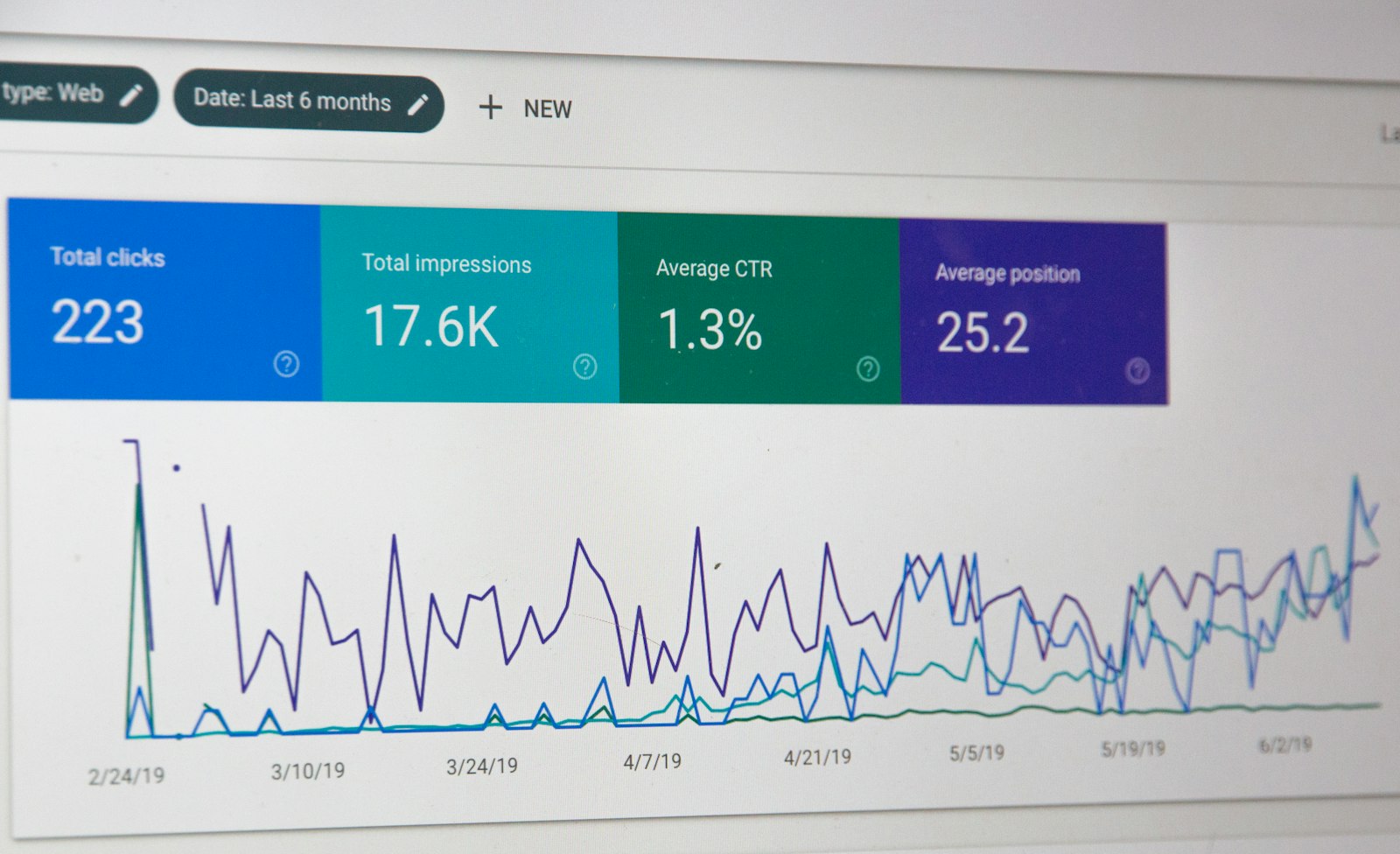
Google reports three numbers for every page it has enough traffic data on: Largest Contentful Paint, Interaction to Next Paint and Cumulative Layout Shift. When they are red in Search Console, the Core Web Vitals report becomes a recurring agenda item and someone installs a caching plugin and hopes. Real core Web Vitals optimization for WordPress is more specific than that. Each metric has a short list of causes on a WordPress site, and each cause has a concrete fix that lives in the theme, the plugin stack or the server, not in a settings toggle. This is how we approach it on client sites through our core Web Vitals optimization for WordPress service.
It is written for the owner or CTO who has the red report, has already tried a cache plugin, and wants to understand what a real fix involves before deciding whether to have it done professionally. Lab scores are mentioned only where they help diagnose; the target is the field data Google ranks on.
measure the right thing first
Core Web Vitals are assessed on field data: the Chrome User Experience Report (CrUX), aggregated from real Chrome users over a rolling 28 days, at the 75th percentile. Lighthouse in the browser is lab data from one machine with one throttling profile. They disagree constantly, and only one of them affects rankings.
| Metric | Good | Needs improvement | Poor | What it measures |
|---|---|---|---|---|
| LCP | 2.5 s or less | 2.5-4.0 s | Over 4.0 s | Time until the largest visible element renders |
| INP | 200 ms or less | 200-500 ms | Over 500 ms | Worst interaction latency across the visit |
| CLS | 0.1 or less | 0.1-0.25 | Over 0.25 | How much the layout moves unexpectedly |
Start in the Search Console Core Web Vitals report to see which URL groups fail and on which metric, then use PageSpeed Insights for a specific URL, which shows field and lab data side by side. If your traffic is too low for CrUX, or you want per-template detail, load the web-vitals library and send the values to your own endpoint:
<script type="module">
import { onLCP, onINP, onCLS } from 'https://unpkg.com/web-vitals@4/attribution?module';
const send = (m) => navigator.sendBeacon('/wp-json/site/v1/vitals',
  JSON.stringify({ name: m.name, value: m.value, id: m.id, page: location.pathname,
                   target: m.attribution && (m.attribution.element || m.attribution.interactionTarget || m.attribution.largestShiftTarget) }));
onLCP(send);
onINP(send);
onCLS(send);
</script>
The attribution field is the useful part: it tells you which element was the LCP candidate, which interaction was slow and which element shifted, per template, on real devices.
LCP: the server and the hero image
On most WordPress sites the LCP element is the hero image or the H1 block, and LCP breaks down into time to first byte, resource load delay, resource load time and render delay. Fix them in that order.
time to first byte
If TTFB is over 800 ms, nothing in the front end will save you. Full-page caching at the server (Nginx FastCGI cache, LiteSpeed, or a plugin that writes static files), a persistent object cache (Redis) for the uncached requests, PHP 8.2 or later with OPcache, and a CDN in front of the origin. Where the host itself is the ceiling, we have written about the options in AWS hosting migration for WordPress. A slow database behind the page shows up here too; the database cleanup checklist covers the usual suspects (autoloaded options, expired transients, post revisions).
resource load delay
WordPress adds loading="lazy" to images by default. Since 5.9 it skips the first image in the content, but it does not know about a hero image rendered by the theme or a page builder, so the LCP image is often lazy-loaded and discovered late. Remove lazy loading from it and set fetch priority high:
add_filter( 'wp_get_attachment_image_attributes', function ( $attr, $attachment, $size ) {
    if ( ! empty( $attr['class'] ) && str_contains( $attr['class'], 'hero-image' ) ) {
        unset( $attr['loading'] );
        $attr['fetchpriority'] = 'high';
        $attr['decoding']      = 'sync';
    }
    return $attr;
}, 10, 3 );

// If the hero is a CSS background, preload it instead
add_action( 'wp_head', function () {
    if ( is_front_page() ) {
        echo '<link rel="preload" as="image" href="' . esc_url( get_theme_file_uri( 'img/hero.webp' ) ) . '" fetchpriority="high">';
    }
}, 1 );
resource load time
Serve the right size and format. WordPress can output WebP for new uploads with one filter, and the existing library can be regenerated with WP-CLI:
add_filter( 'image_editor_output_format', fn( $formats ) => $formats + [
    'image/jpeg' => 'image/webp',
    'image/png'  => 'image/webp',
] );
// then, once: wp media regenerate --yes
Check that the sizes attribute matches the rendered width; a 2000 px image displayed at 600 px is the single most common waste we see. Web fonts belong on the same list: self-host them, preload the one weight used above the fold, and use font-display: swap.
render delay
Render-blocking CSS and JavaScript in the head. Dequeue what the page does not use (block library CSS on non-Gutenberg pages, WooCommerce styles on non-shop pages, contact-form scripts on every page), inline the critical CSS for the above-the-fold region, and defer the rest.
INP: the JavaScript problem
INP replaced First Input Delay in 2024 and is the metric most WordPress sites now fail. It measures the slowest meaningful interaction, so one expensive click handler on the mobile menu is enough. Causes, in rough order of frequency:
- Too much JavaScript on the main thread. Page builders, sliders, animation libraries, jQuery Migrate, and plugins that enqueue on every page. Audit with the Coverage tab in DevTools and the Performance panel with CPU throttling on.
- Third-party tags. Tag managers, chat widgets, heat-map recorders, social embeds. Each one is fine; six of them are a 400 ms input delay on a mid-range Android phone. Load them after first interaction or on idle.
- Long tasks triggered by interaction. Mega-menus that build their DOM on hover, quick-view modals that fetch and parse an entire product page, cart fragments refreshing on every click.
- Layout thrashing. Scripts that read
offsetHeightthen write styles in a loop on scroll or resize.
Since WordPress 6.3 you can defer scripts properly in wp_enqueue_script without a plugin, and a few lines in the footer delay a third-party tag until the visitor actually does something:
wp_enqueue_script(
    'theme-nav',
    get_theme_file_uri( 'js/nav.js' ),
    [],
    '1.4.0',
    [ 'strategy' => 'defer', 'in_footer' => true ]
);

add_action( 'wp_footer', function () { ?>
<script>
(function () {
  var loaded = false;
  function go() {
    if (loaded) return; loaded = true;
    var s = document.createElement('script');
    s.src = 'https://widget.example.com/chat.js'; document.body.appendChild(s);
  }
  ['scroll', 'keydown', 'pointerdown', 'touchstart'].forEach(function (e) {
    addEventListener(e, go, { once: true, passive: true });
  });
  ('requestIdleCallback' in window) ? requestIdleCallback(go, { timeout: 8000 }) : setTimeout(go, 8000);
})();
</script>
<?php } );
On WooCommerce sites the cart fragments request (wc-ajax=get_refreshed_fragments) is a frequent INP and TTFB offender. We cover disabling it where safe in how to fix WooCommerce checkout page slow loading, and it is part of the checkout performance service.
CLS: reserve the space
Layout shift is almost always something arriving late without space reserved for it. The fixes are in CSS and markup, and they are quick once you know which element moves (the largestShiftTarget from the web-vitals library, or the Layout Shift Regions overlay in DevTools).
- Images and iframes need
widthandheightattributes or anaspect-ratiorule. WordPress adds them to attachments it outputs; page builders and hand-written theme markup often do not. - Web fonts swapping in with different metrics: use
size-adjustandascent-overrideon a fallback@font-faceso the fallback occupies the same space. - Cookie banners and notification bars injected at the top of the page: position them fixed or reserve their height.
- Ads, embeds and sliders: fixed-height containers with
min-height, and sliders that render the first slide server-side rather than after JavaScript initialises. - Content inserted above the fold by JavaScript (related posts, dynamic headers) moves everything below it; render it server-side or below the fold.
/* reserve space without knowing the pixel height */
.hero__media, .card__thumb { aspect-ratio: 16 / 9; width: 100%; }
.hero__media img { width: 100%; height: 100%; object-fit: cover; }

/* fallback font with matched metrics */
@font-face {
  font-family: "Inter Fallback";
  src: local("Arial");
  size-adjust: 107%; ascent-override: 90%; descent-override: 22%; line-gap-override: 0%;
}
how core Web Vitals optimization for WordPress runs on a real site
- Field data by template from Search Console and the web-vitals beacon, so the work targets the pages that fail, not the homepage in a lab.
- Server layer: PHP version, OPcache, page cache hit rate, object cache, CDN. This alone usually moves LCP under the line on cached pages.
- Asset audit: every enqueued script and style, per template, with a decision to keep, conditionally load, defer or remove.
- LCP element treatment per template.
- INP: third-party tags delayed, heavy interactions rewritten.
- CLS: dimensions and font metrics.
- Re-measure after 28 days, because that is how long CrUX takes to reflect the change.
A typical outcome on a site that started with all three metrics failing: LCP from the 4-6 second range to under 2.5 s, INP from 300-500 ms to under 200 ms, and CLS to under 0.05, over roughly two to four weeks of work plus the measurement window. Those are ranges from typical engagements, not a promise; a site with a heavyweight page builder and twelve tracking tags is at the slow end.
when to do this yourself vs hire someone
Do it yourself if you own the theme code, the site is a brochure site with fewer than ten plugins, and the failures are LCP-only. Caching, WebP, one filter for the hero image and a font preload will get most of it.
Hire someone if the site fails INP, runs WooCommerce or a page builder, or if the third-party tags are politically hard to remove and need a technical workaround. At that level core Web Vitals optimization for WordPress is theme and plugin engineering, not configuration, and it is best done with a fixed scope so it does not become an open-ended tuning exercise. It also pairs naturally with broader website SEO optimization work, since both feed the same Search Console reports.
get the report green, with numbers in writing
Send us the Search Console URL groups that fail and the site address. Within 24 hours you will have a fixed price and a list of the specific changes we would make, per metric. The work goes through our core Web Vitals optimization for WordPress service, and you can start by getting in touch with the failing URLs.